Clone An Existing Website
Episode 02: paste a URL, clone the structure, then personalize the project.
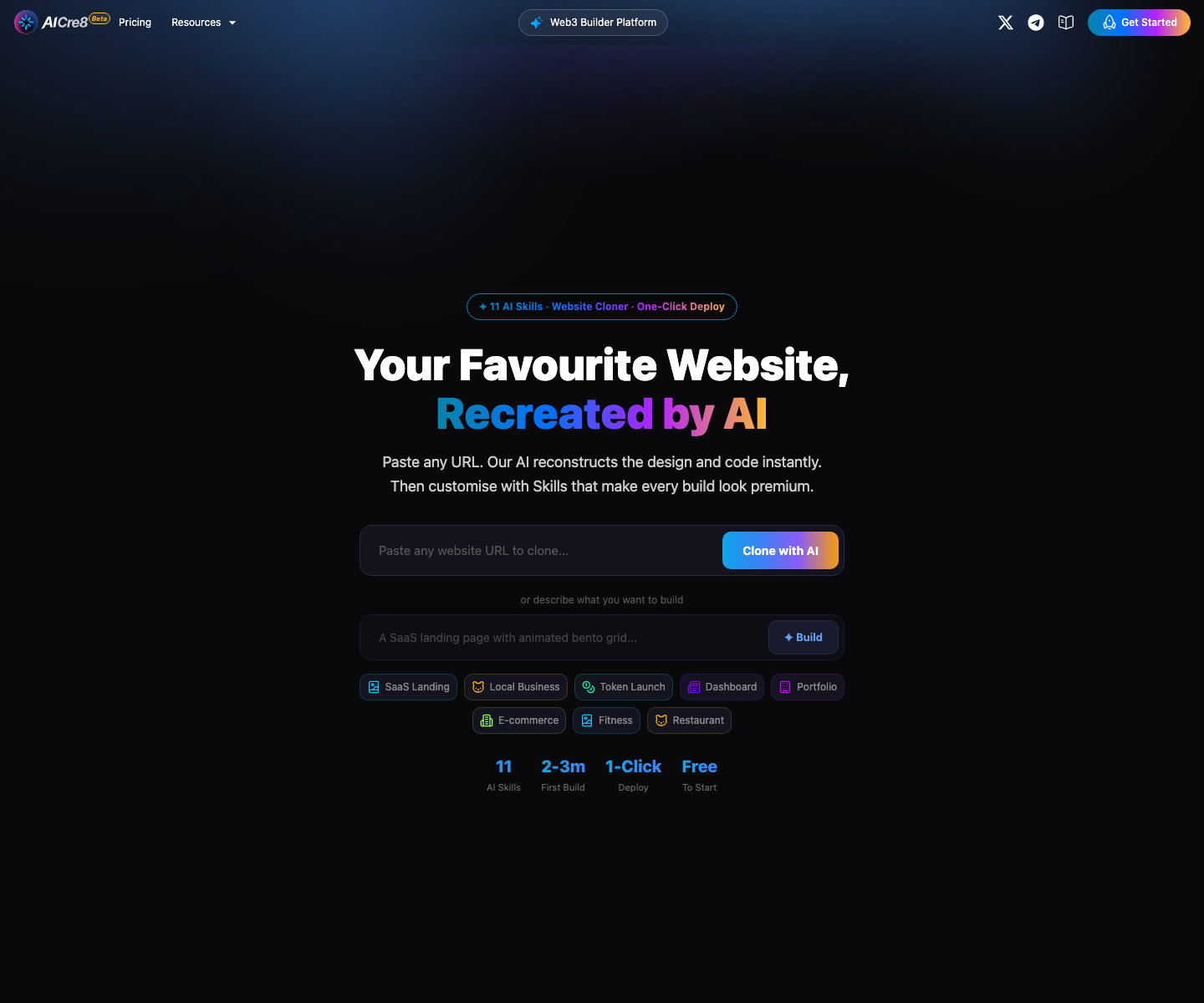
Clone this website and recreate it: https://example-coffee-shop.com
I created a fresh project based on the reference structure. Now you can customize the brand and sections.
Make this for Harbor Bakery, use warm colors, and add a catering call to action.
+
Harbor Bakery
Order catering
Fresh bakes, coffee, and catering by the harbor.
A warm neighborhood bakery site with menus, events, online enquiries, and morning specials.
See menu
Plan catering
Open daily
Pastries, sourdough, espresso, and seasonal cakes.
Breakfast menu
Catering boxes
Private events
Paste a public website URL into the clone box.
Click Clone with AI to create a fresh starting point.
Review the cloned structure inside the IDE preview.
Use chat to personalize the brand before publishing.
Next Up
Use templates and community projects when you want an even faster starting point.
The tutorial starts automatically. Refresh to replay.